Today someone copies the same details between tools and chases the next person, every week. We automate that one workflow so it runs on its own: a payment arrives and the new client is set up, filed and welcomed.
Done: new client set upRun log · 3 of 3 steps · success
$750
Starter
$1,500
Production
Fixed
Paid 50 / 50
demo data
What one workflow looks like
Most sprints start from a handoff someone on your team repeats every week. A few we build often:
Request arrives
Outlook · SharePoint · Teams
Today: Requests sit in a shared mailbox while someone forwards them, files attachments and chases what is missing.
Each request becomes a record with its documents filed and a named owner.
If something is missing: Incomplete requests are sent back for the missing details, and escalated if no one picks them up.
Job approved
Your CRM or tracker · QuickBooks or Xero
Today: Someone re-keys job details into accounting and finds missing customer details at invoice time.
Approved job data becomes an invoice ready for review, not a re-typing job.
If something is missing: Mismatched customer or product details go to a named owner instead of being posted.
Client signs
DocuSign or PandaDoc · monday.com or ClickUp
Today: The signed deal is announced in chat and delivery spends days chasing the details to start.
The project is created from your template with an owner and the kickoff details.
If something is missing: If a deposit or required document is missing, the project waits and its owner is told.
Built with the tools you already use
Connect the apps your team already works in. One recurring handoff becomes a workflow with clear rules and an owner.
Email, files and chat
A request reaches the right person, with its documents filed.
OUOutlook
Teams
SHSharePoint
ONOneDrive
Excel & Lists
Gmail
Google Sheets
GDGoogle Drive
Slack
WhatsApp
CRM and sales
A qualified enquiry lands with an owner and a next step.
HubSpot
PIPipedrive
ZCZoho CRM
GOGoHighLevel
Airtable
Calendly
Meta Lead Ads
TYTypeform
Delivery and agreements
A signed client arrives ready to start.
MCmonday.com
ClickUp
DODocuSign
PAPandaDoc
Finance and payments
Approved job data is ready for billing, with gaps caught first.
QOQuickBooks Online
XEXero
ZBZoho Books
Stripe
Built on
n8n
Make
Zapier
Power Automate
We choose the engine around your process, accounts and licences, not the other way round.
AI steps, when the workflow needs them
OpenAI
Claude
Support, commerce, ERP and regional tools(14)
ZEZendesk
SHShopify
WooCommerce
ODOdoo
BCBusiness Central
NENetSuite
ESEspoCRM
QOQoyod
WAWafeq
SASalla
ZIZid
RARetell AI
TWTwilio
RAREST APIs & webhooks
Tool not listed? Most apps with an API or webhooks can be connected. On the scoping call we confirm the exact workflow, your account plan and the access it needs, before you pay.
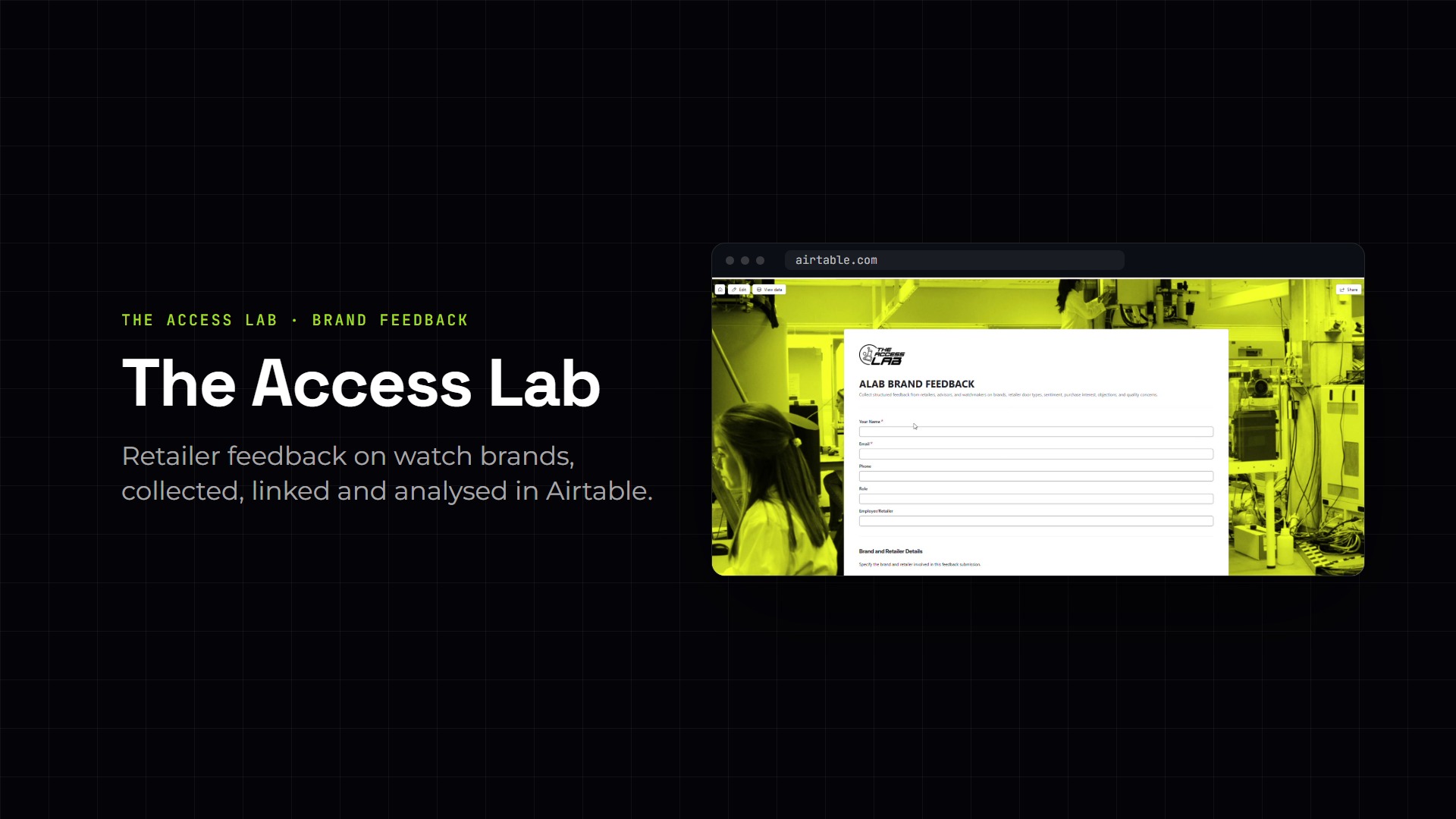
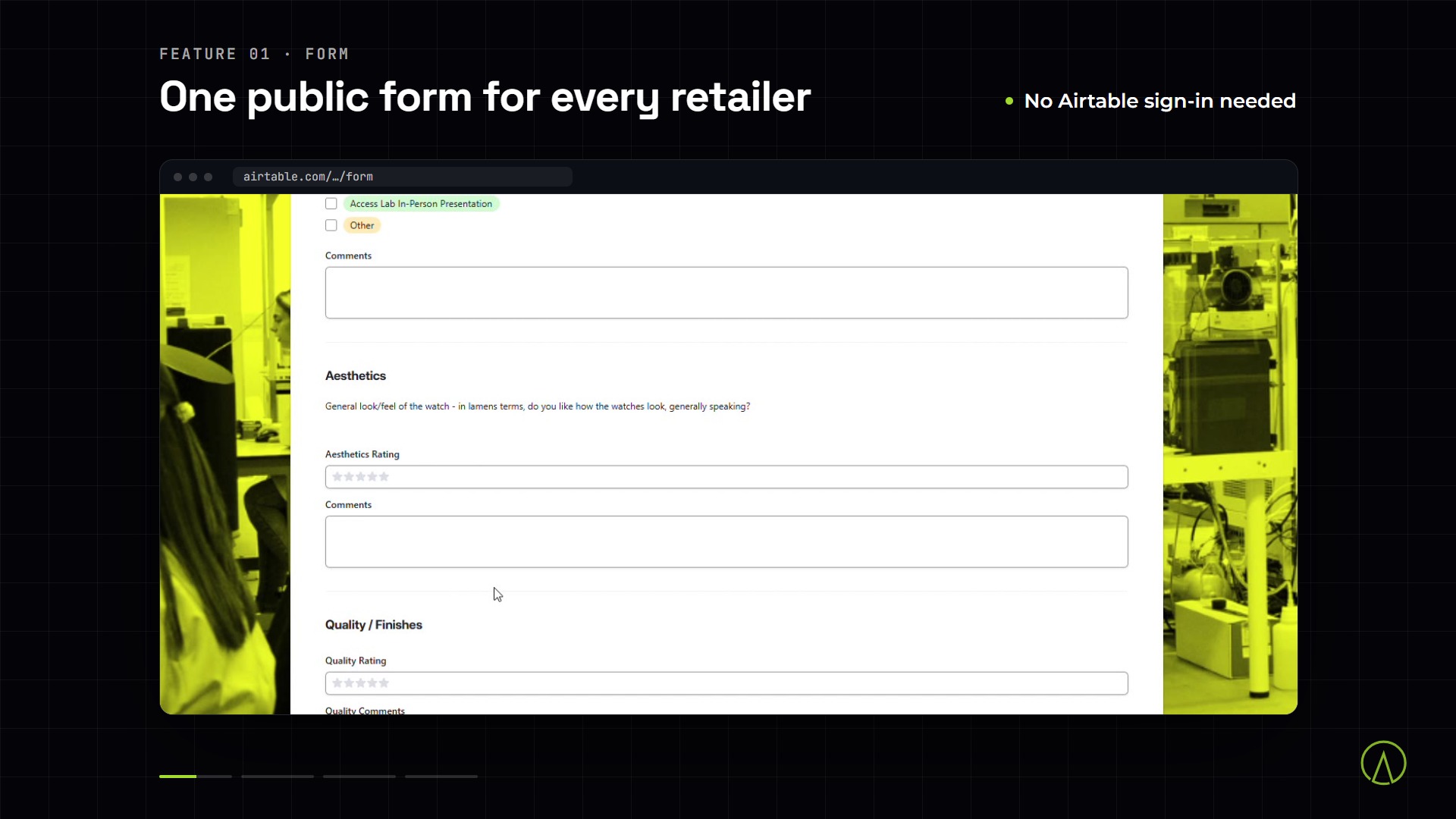
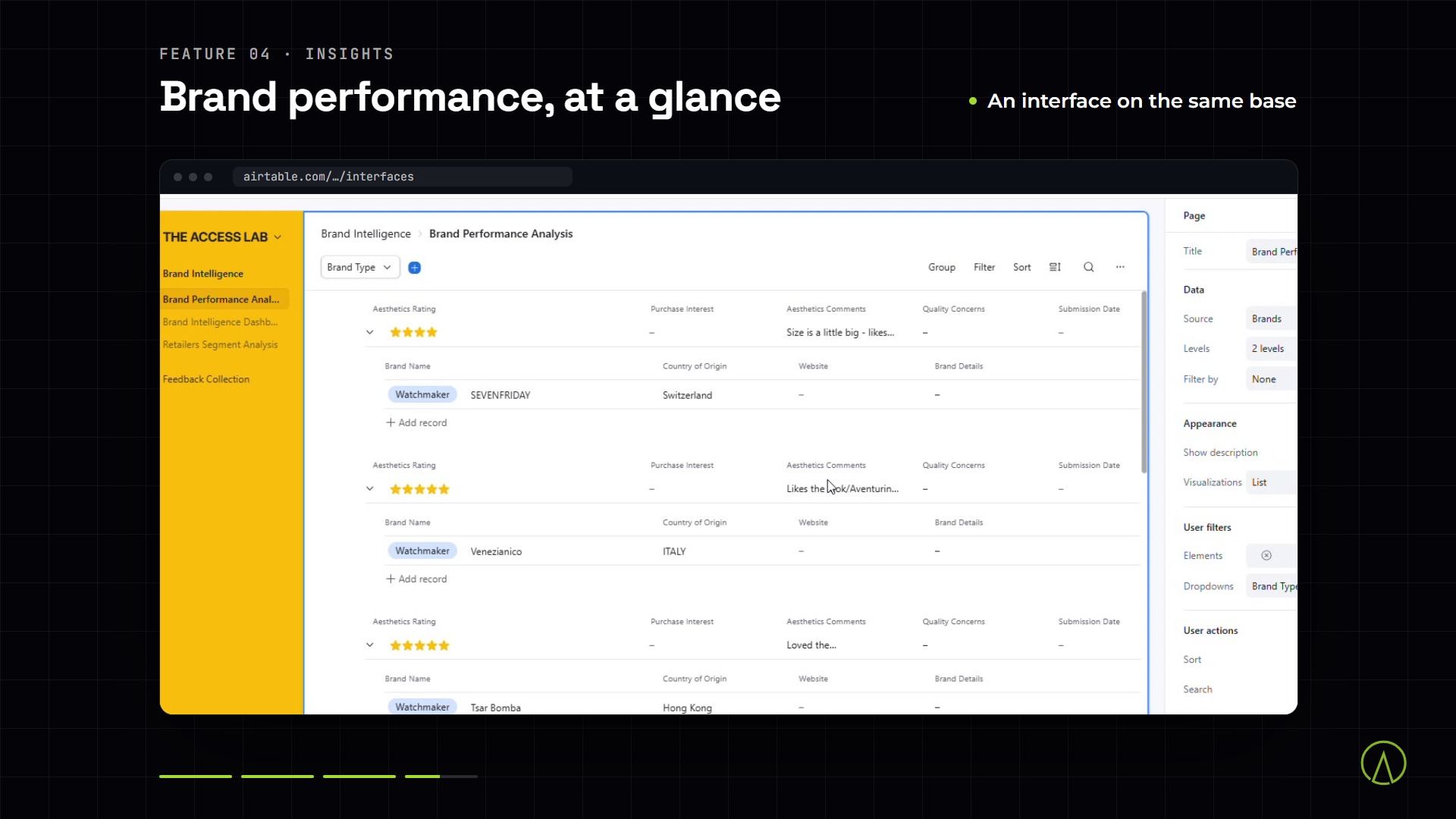
Delivered work · Brand-feedback programme
A drifting Airtable base cleaned and automated in two days
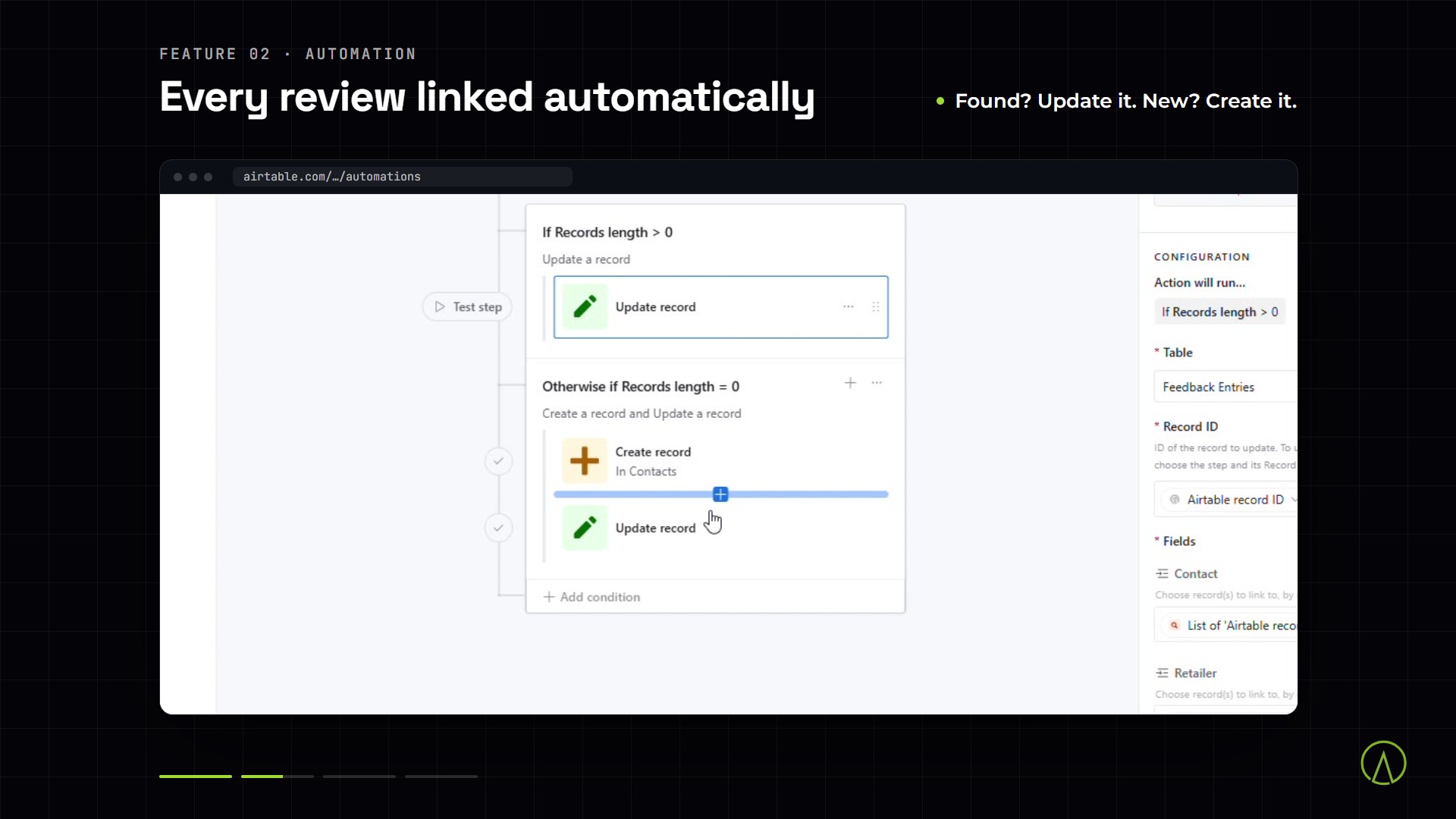
We backed up and cleaned the base, then automated linking every review to its contact and retailer: two days, 0 records lost.
01Reply within 4 working hoursA person reads your workflow, not a ticket queue. Enquiries after hours are answered the next working morning (Pakistan time).
0230-minute scoping callWhether a sprint fits, which tier, and what access we need.
03Written scope and fixed priceWith the acceptance checklist. Nothing is charged until you approve.
Define → Build → Verify → Stabilize
Four steps, one fixed price, one workflow running in production.
01Day 1–2
Define
We map the trigger, systems, rules and edge cases, then send a written scope, fixed price and the checklist it must pass.
02Week 1
Build
We build in your accounts, with progress updates as it takes shape.
03Before go-live
Verify
We run the agreed test cases, including the awkward ones. You sign off against the checklist.
04After go-live
Stabilize
We fix what fails the checklist; Production and up adds two weeks of watching live runs.
Work we’ve delivered
Real projects, on screen.
Described as they happened.
01
Sound on
Airtable · review routing
Brand-feedback programme
A drifting Airtable base cleaned and automated in two days
We backed up and cleaned the base, then automated linking every review to its contact and retailer, with unknown reviewers flagged instead of dropped.
2 people · 2 days · delivered
“We were cleaning up form submissions before we could even read them. New feedback arrives structured and linked now, so we go straight to the content.”
A clear decision, even if you never buy. In 30 minutes we tell you whether a sprint fits, which tier it is, and what access we will need. If it fits, you get a written scope, a fixed price and the acceptance checklist afterwards.
One business process with one trigger and the chain of steps it sets off: for example, a payment that sets up a new client, or a form that produces a finished report. A Complex sprint is still one process, built as several connected workflows. If your request is bigger, we will say so on the call and suggest where to start.
The workflow passes the acceptance checklist we agreed in the written scope: the intended result, the test cases (including awkward ones), what happens when a step fails, and the handover. You sign off against that list, and the final 50% is due then. If an agreed item does not pass, we fix it at no extra cost.
Someone who owns the workflow and can answer questions, a few real examples to test with, and access to the tools involved. We set up access with you after the call; never send passwords by email.
Every sprint alerts you when a run fails. Production and Complex sprints add retries, duplicate protection and a run log, so a temporary outage recovers on its own and you can see what happened to any record.
Microsoft 365 (Outlook, Teams, SharePoint, OneDrive, Excel and Lists), Google Workspace, CRMs such as HubSpot, Pipedrive, Zoho CRM and GoHighLevel, project and agreement tools such as monday.com, ClickUp, DocuSign and PandaDoc, and finance tools such as QuickBooks Online, Xero, Zoho Books and Stripe. We build on n8n, Make, Zapier or Power Automate, chosen around your accounts and licences. Most other apps with an API or webhooks can be connected too. If a tool’s built-in automation already does what you need, we tell you on the call rather than sell you a sprint.
Not the number of apps alone. Branching logic, data that needs cleaning before it can be used, or an API that fails often push a workflow up; a simple flow across up to three apps can stay Starter. The scoping call places it, and the price is fixed in writing before we start. For Complex, the exact figure from $2,500 is quoted after scoping.
Once the scoping call places your workflow in a tier, the price is fixed in writing with the scope and acceptance checklist, before we start. After that, only work outside the written scope changes it: anything outside the scope is quoted before we do it, never added silently. Tool subscriptions, API usage and hosting are billed to your accounts, not included in the price.
Tool subscriptions, API usage and any hosting are not part of the sprint price. The workflow runs in your accounts, so the vendors bill you directly, with no markup from us. We tell you the expected running costs during scoping.
You own it. It runs in your accounts and the handover covers how it works and how to change it. Starter includes 14 days of defect fixes against the agreed checklist. Production and Complex include two weeks of stabilization, where we watch live runs and fix what they find. After that, a Care plan from $299/month covers monitoring and fixes.
Need an app or portal, not one workflow?
A product with users and screens is a first release. MVP Build scopes, builds and launches it at a fixed quote.
Tell us the one workflow your team still does by hand
Every week it stays manual costs the same hours again. In 30 minutes we tell you if it fits, which tier it is and what we need, then send a fixed price in writing.